Now
Guided private testing.
A Windows 10 USB checkpoint on one 2.41 V2 unit, plus photographed views on the separate round profile. The model status above defines the limits.
Codex Usage Pulse / private preview
Your usage and reset time, one glance away.
Quota and reset times from your signed-in Codex account, through a local USB bridge.
Private preview by request · No public download yet
One focused job
Your usage percentage and time until reset, on a small display next to your keyboard.
The existing signed-in Codex CLI supplies current quota.
Keep your computer awake while the local bridge collects updates.
The selected display receives the readings and acknowledges each update.
No API key for this quota workflow. The current 2.41 test uses local USB; LAN sharing and login start stay off.
2.41 V2 / owner photos
Two views on the same physical 2.41 unit.
Owner photos supplied . Readings belong to the photographed moment.
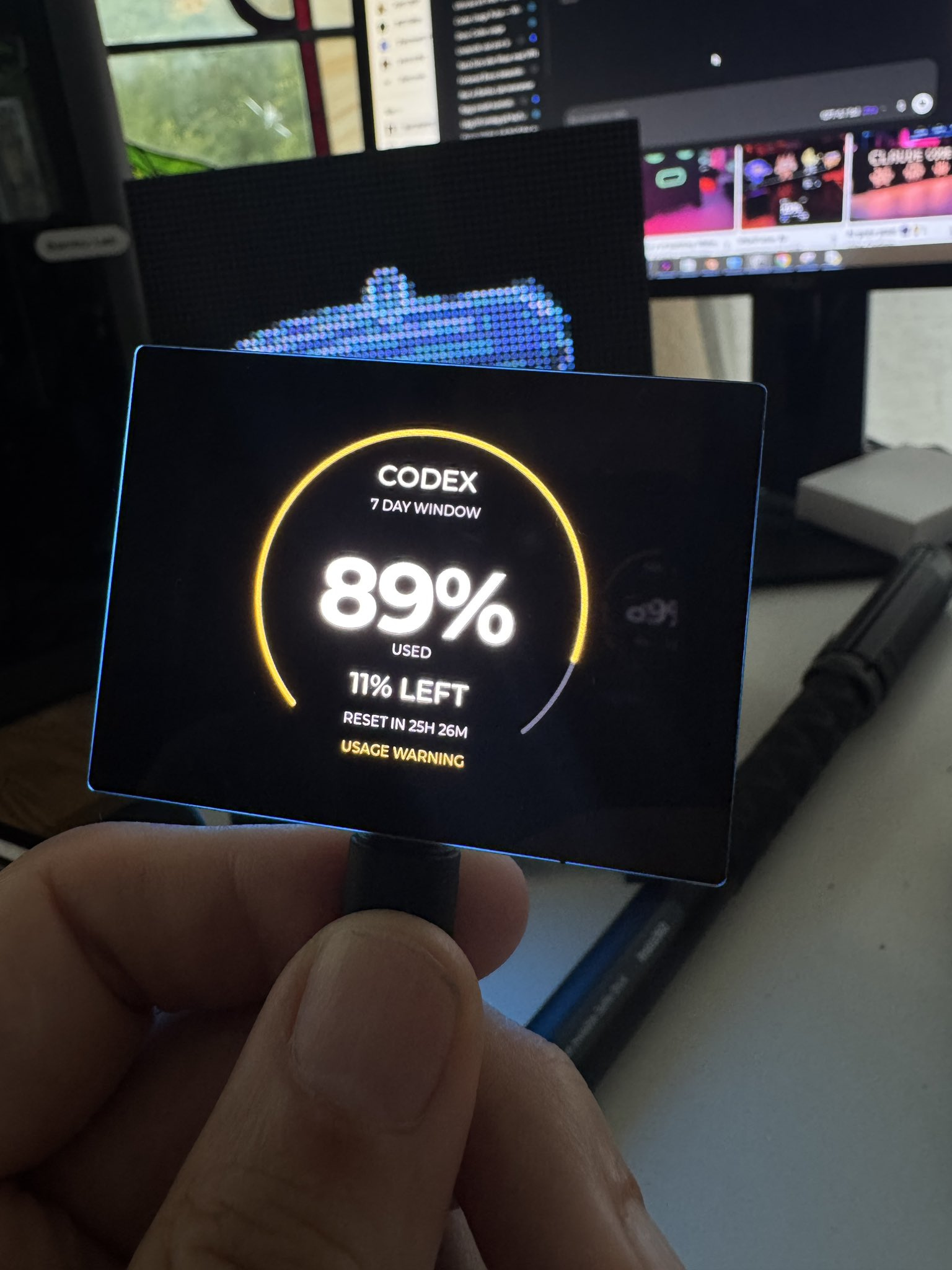
Percentage used, quota left and a warning as the window fills.
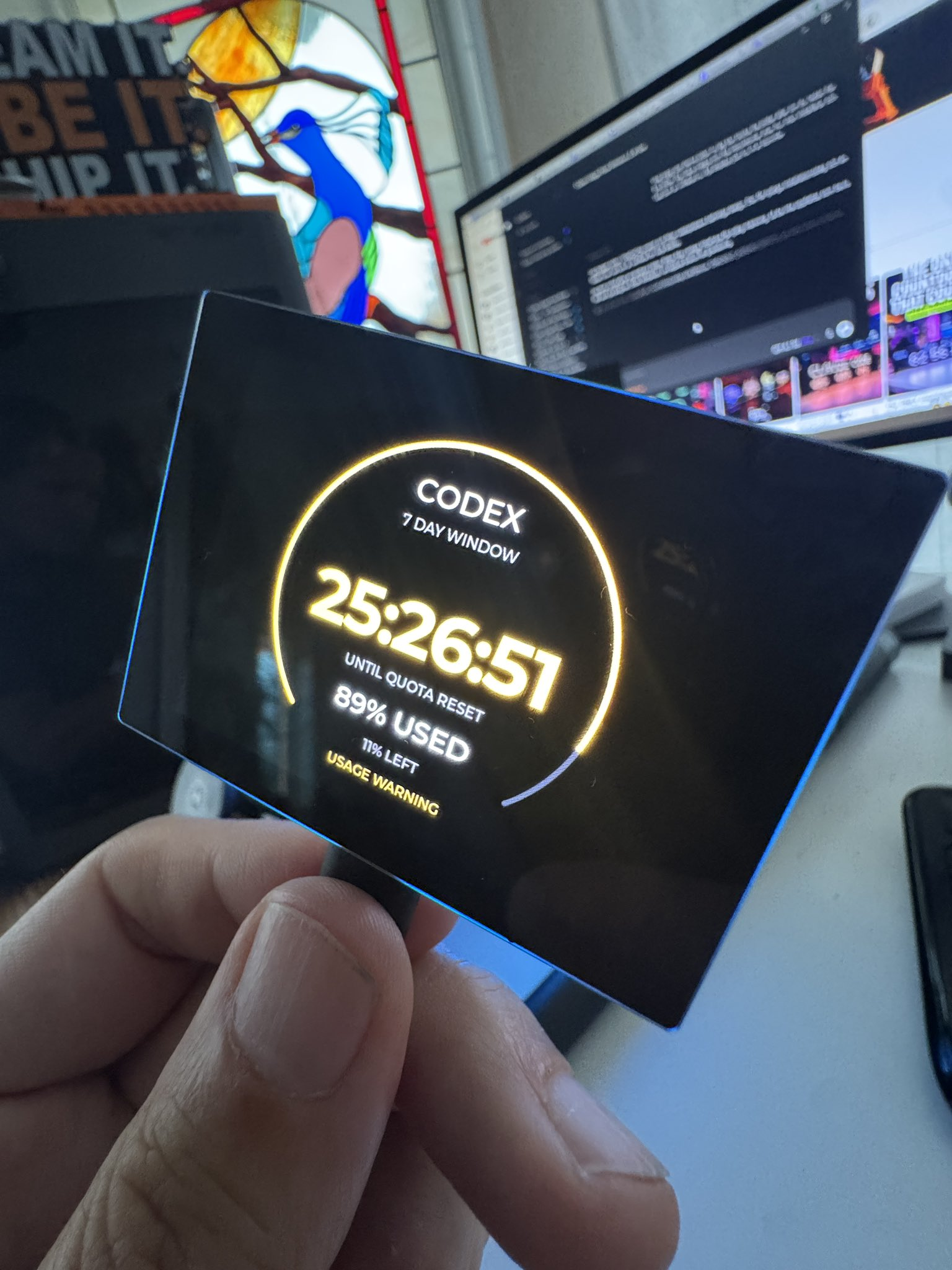
A reset countdown with total hours visible beyond 24 hours.
The photos confirm both readable views on the owner’s test unit. Exact switching timing, countdown ticking, full layout and orientation checks, touch, reconnect and cold boot still need separate tests. Open either photo to see the full original.
Round 1.75 / separate firmware profile
Two views on the owner’s round 1.75 test unit.
Owner photos supplied . Readings belong to the photographed moment.
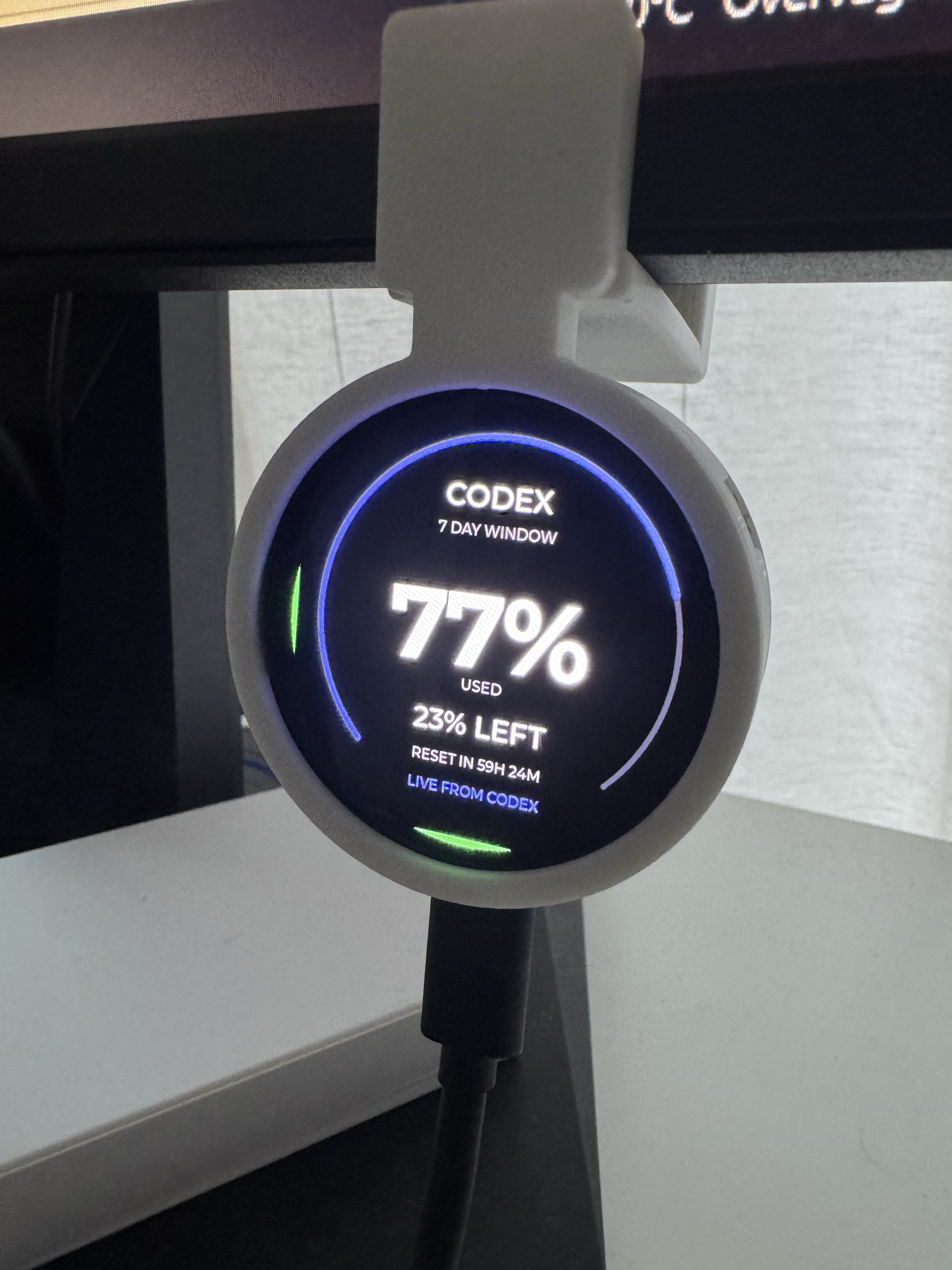
Percentage used and quota left on the physical round display.
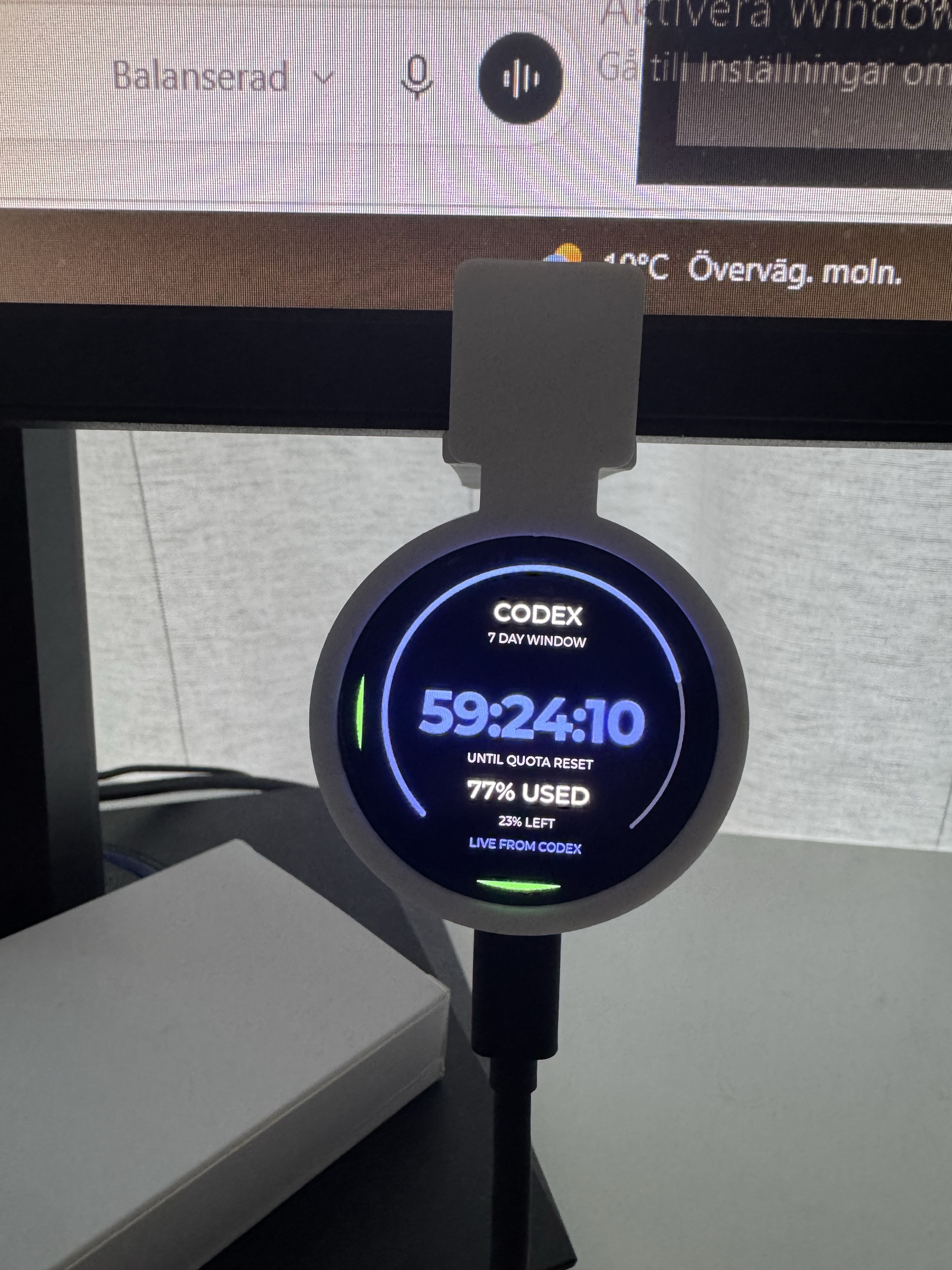
The photographed countdown shows total hours beyond 24.
The round model uses its own firmware and setup path. The Windows 2.41 kit and instructions below do not install or qualify it. These photographs confirm readable views; host qualification, exact switching and ticking, touch, reconnect and cold boot require their own checks.
See the round display’s statusStart with the exact board
See the hardware. Check the revision.
Status checked .
| Display | Verified so far | Before wider availability |
|---|---|---|
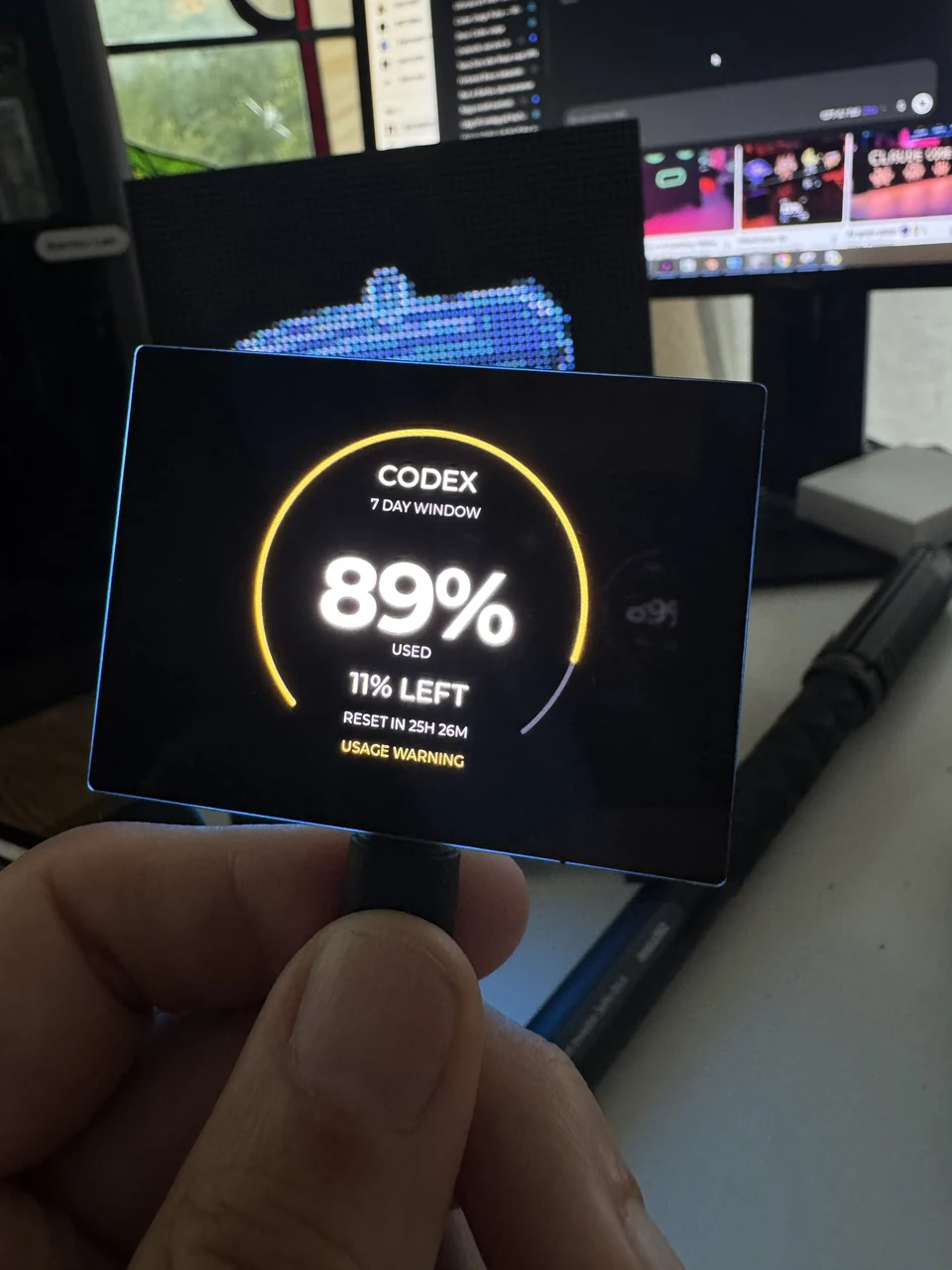 Owner photo · captured Codex reading2.41-inch AMOLEDESP32-S3-Touch-AMOLED-2.41 Owner photo · captured Codex reading2.41-inch AMOLEDESP32-S3-Touch-AMOLED-2.41V2 / Rev2.0 onlyLive data + visible views checked | Native Windows 10 x64 installation and live USB data passed on one unit. Owner photos confirm readable percentage and reset-countdown views. Plugin 0.5.3; firmware 0.3.1 / development. | Permanent first-install workflow, exact ten-second switching, countdown ticking, full layout/orientation review, touch, reconnect, cold boot and longer stability testing. V1 is incompatible. |
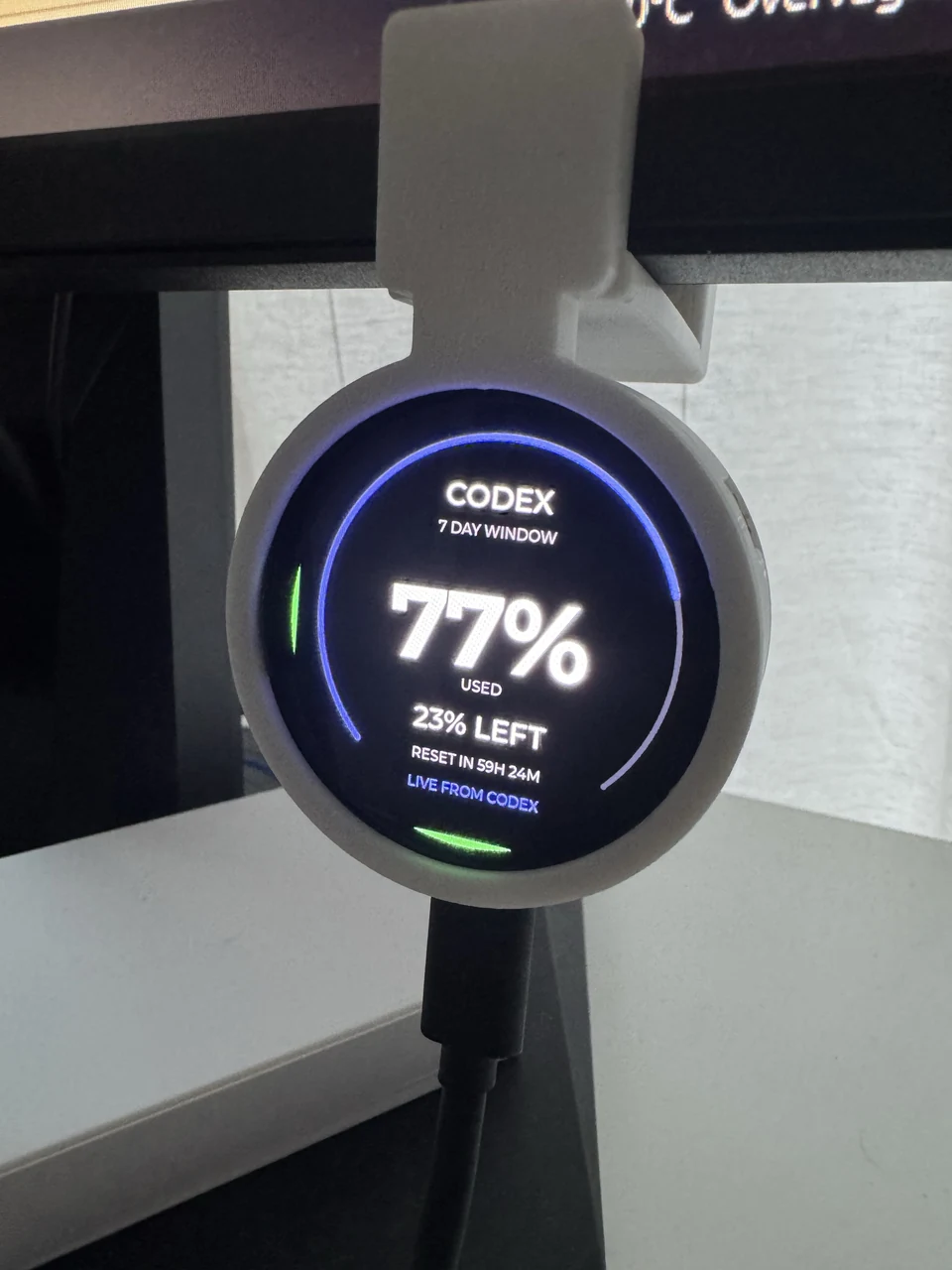 Owner photo · captured Codex reading1.75-inch round AMOLEDESP32-S3-Touch-AMOLED-1.75Visible views photographed Owner photo · captured Codex reading1.75-inch round AMOLEDESP32-S3-Touch-AMOLED-1.75Visible views photographed | Earlier physical quota and orientation checks are recorded for the separate round profile. Owner photos now confirm readable percentage and reset-countdown views. | Uses its own firmware and setup path. The Windows 2.41 kit does not install or qualify this model. Exact switching/ticking, full layout review, touch, reconnect and cold boot need separate checks. |
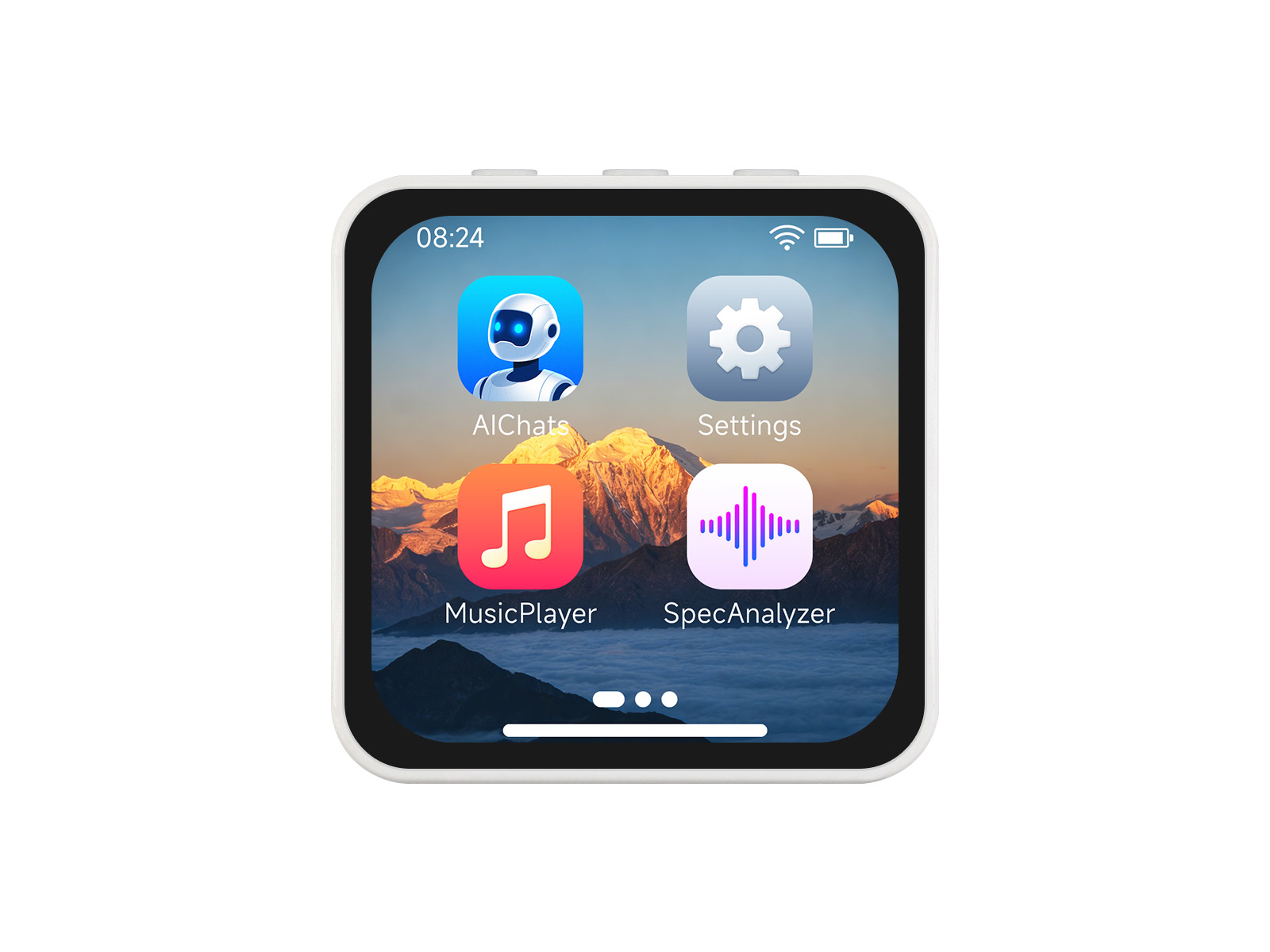 Waveshare demo image2.16-inch AMOLEDESP32-S3-Touch-AMOLED-2.16Build checked Waveshare demo image2.16-inch AMOLEDESP32-S3-Touch-AMOLED-2.16Build checked | Plugin firmware build checked. | Physical plugin qualification and an installable release. |
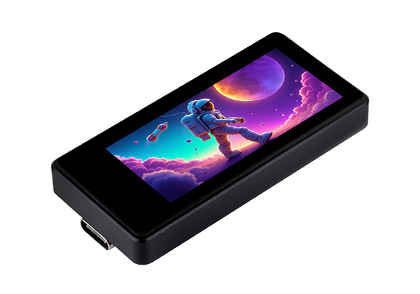 Waveshare Touch product image1.91-inch AMOLED TouchTouch variant onlyPlanned Waveshare Touch product image1.91-inch AMOLED TouchTouch variant onlyPlanned | Planned plugin profile. | Plugin firmware, a model-specific setup guide and physical qualification. |
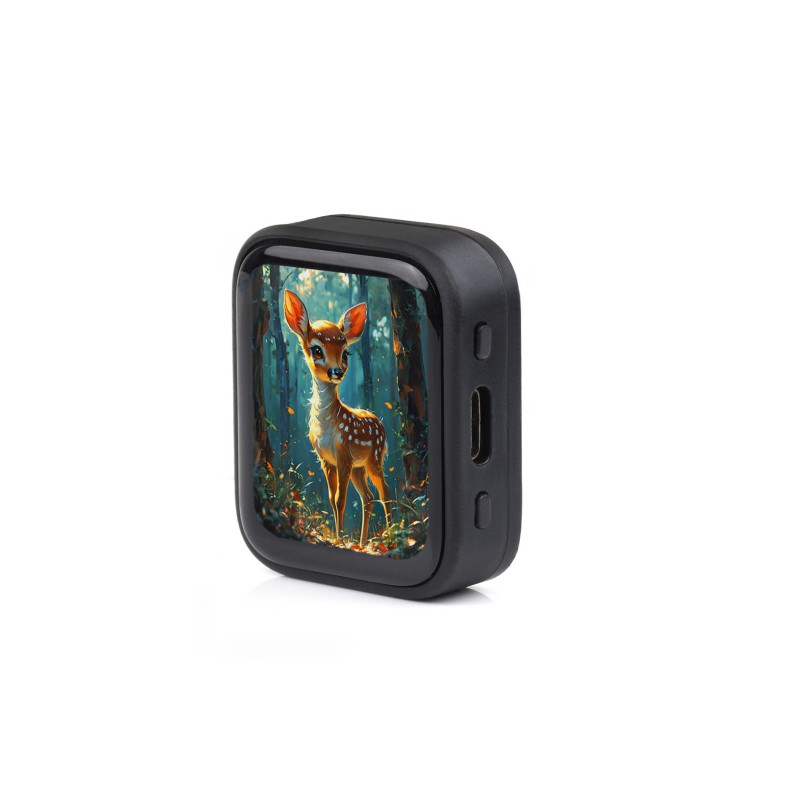 Waveshare demo · shown with case1.8-inch AMOLED V2V2 rear marking requiredOn the workbench Waveshare demo · shown with case1.8-inch AMOLED V2V2 rear marking requiredOn the workbench | Planned workbench target. | Plugin firmware and physical qualification. V1 is excluded. |
More displays will follow as their own firmware and physical tests pass. There are no promised release dates. The broader VibePulse display catalogue has different support limits.
Start here / private preview
There is no public download yet. Request access for guided testing.
niclas@vibeonchip.comThis opens your email app. A request does not automatically grant access.
Include your display model, board revision and Windows version. The current Windows guide covers 2.41 V2 / Rev2.0; the round display has a separate setup path.
If guided testing is arranged, Niclas will provide the exact private Windows kit, its trusted checksum and the procedure for your unit. The kit contains the local plugin and installation scripts.
Use the steps below after receiving that kit. Installing the plugin on your computer and preparing the display firmware are separate steps.
Already have your kit? Start installationFor invited Windows 2.41 testers
Already received your kit? Follow these steps with your preview guide. Need the plugin first? Request access above.
Current native checkpoint: Windows 10 Pro x64 and Codex CLI 0.153.2. Windows 11 and other hosts need their own verification.
Confirm ESP32-S3-Touch-AMOLED-2.41 V2 / Rev2.0 on the physical unit. USB discovery gives possible ports; it cannot identify the model or revision.
Use a data cable. If several devices are connected, identify this board by unplugging and reconnecting it. Keep other serial monitors closed.
Use Codex on this computer, signed in to your own account. The plugin reads quota through the installed CLI. No copied login files or separate API key are needed.
codex --version
codex login status
Compare the supplied SHA-256 before extraction. Extract the whole kit to a stable, writable folder. Have your preview guide confirm which local bridge the kit and installed plugin are using before proceeding.
Open PowerShell in that kit folder. Run each command in order. Type INSTALL when the installer asks.
.\Check-PC.cmd
.\Install-Plugin.cmd
.\Verify-Plugin.cmd
These checks install and verify the local plugin. They do not write display firmware. If a different Pulse bridge is active, resolve that choice before continuing.
For this kit, the display must have 2.41 V2 firmware 0.3.1 / development. A new board or different firmware needs the separate first-install procedure.
Review the exact model, port, files and backup plan before approving a write. Preparing the display can replace its existing software and settings. Keep the private full backup on your computer.
The test kit’s firmware installer is disabled. A stock or unknown display cannot skip this step. The reviewed fresh-display procedure must include preparing the display’s settings storage.
Inspect setup and list USB candidates first. Confirm the firmware and select this board’s explicit port. Keep the computer awake while its local bridge runs.
Check my Codex Usage Pulse setup and list possible USB displays. I have a Waveshare 2.41 V2 / Rev2.0. Confirm its current firmware and help me identify its port before connecting. If the matching development firmware is missing, explain the separate first-install step. Use the same local bridge as my test kit.
From the same kit and bridge, run the live check. It requires fresh quota and the display’s acknowledgement of the latest update.
.\Check-Live.cmd
Then inspect the glass: readable percentage, reset countdown, intended ten-second alternation and correct orientation. Reconnect the USB cable and try a cold boot. These physical checks are separate from a software pass.
A test result, with its limits
Windows 10 Pro x64 · one 2.41 V2 unit
The live test used a dedicated QA bridge after a manual settings-memory correction. A normal first-user installation has not yet passed end to end. The owner photos now confirm the two visible views. USB acknowledgements and still photographs do not verify switching timing, ticking or the remaining physical behavior.
Development direction
Priorities, without promised release dates.
Physical tests set the pace.
Now
A Windows 10 USB checkpoint on one 2.41 V2 unit, plus photographed views on the separate round profile. The model status above defines the limits.
Next
Complete first-time setup, reconnect, cold-boot and longer stability checks for the 2.41 V2 workflow.
Exploring
Broader host and display coverage, with matching firmware, a model-specific guide and physical checks before any support claim.
A few useful answers
Start here if setup pauses.
There is no public plugin download yet. Request preview access from Niclas with your display model, revision and Windows version. If guided testing is arranged, you will receive the exact private kit before using the installation guide. VibePulse’s download is a separate product.
First check the exact board and firmware, the data cable and competing serial tools. A connected USB port alone is not a working display.
The Windows test exposed a settings-memory initialization failure on first install. That was corrected through the reviewed installation procedure. Ask for diagnosis and that procedure; do not repeatedly reflash to fix login or missing quota.
Check that the installed plugin and the kit are using the same data directory and bridge. The private qualification used a separate QA instance; the ordinary installed tools did not automatically share it. Resolve the mismatch before calling the setup complete.
This USB workflow needs a local runtime on the computer attached to the display. Installing an instruction package in a browser does not provide USB access to your hardware. The verified checkpoint is the native Windows Codex setup described above.
The local bridge reads your existing Codex account quota and sends the summary over USB. The current 2.41 QA flow keeps LAN sharing and login start off. This website does not show your live quota or ask for account credentials. Keep hardware backups in private local storage; never upload them to this site or a support message.
Use the guide and firmware for the exact product, model and revision. VibePulse’s Wi-Fi firmware and support claims are separate from this USB plugin. The 2.41 Windows qualification kit cannot install the round 1.75 or another board.
Each model needs its own firmware, installation guide and physical tests. We will update the status here as those checks pass. The public installer and distribution review are still in development; there is no promised release date.
Built from real tests
Have the matching board? Request access to the guided private preview, or follow what’s coming from the workbench.
Include the model, revision and Windows version when asking for help. Keep credentials, raw account data and flash backups private.