See your agents.
Characters give working, waiting and finished states a face.
Private prototype
Agent activity, pixel characters and small celebrations. A private LED experiment for the desk.
The idea behind the pixels
A glance tells you something is happening. A character gives it a little personality. VibeMatrix explores what an AI workspace can feel like beyond the screen.
Characters give working, waiting and finished states a face.
Explore pixel scenes and social milestone celebrations.
The enclosure, sound and scenes are still being refined. No public download yet.
128 × 32 pixels
Agents at work. A milestone reached. A character with something to say.
Codex activity and characters on the physical display.
Open videoA recorded YouTube milestone scene.
Open videoCharacters and scenes from the workbench.
Open videoAn experimental game scene on the Matrix.
Open videoDemonstration countdowns, not live account readings.
Open videoA workbench scene from VibeKollen.
Open videoFive-hour and weekly resets, on the matrix.
Counts, milestones and pixel celebrations.
An earlier hardware demo from the workbench.
Countdown and celebration demos can use sample data. These videos are not live account readings.
Working, waiting or done — each gets its own expression.
The current prototype gets Codex quota from a computer over USB.
SocialMatrix explores followers, stars and channel milestones.
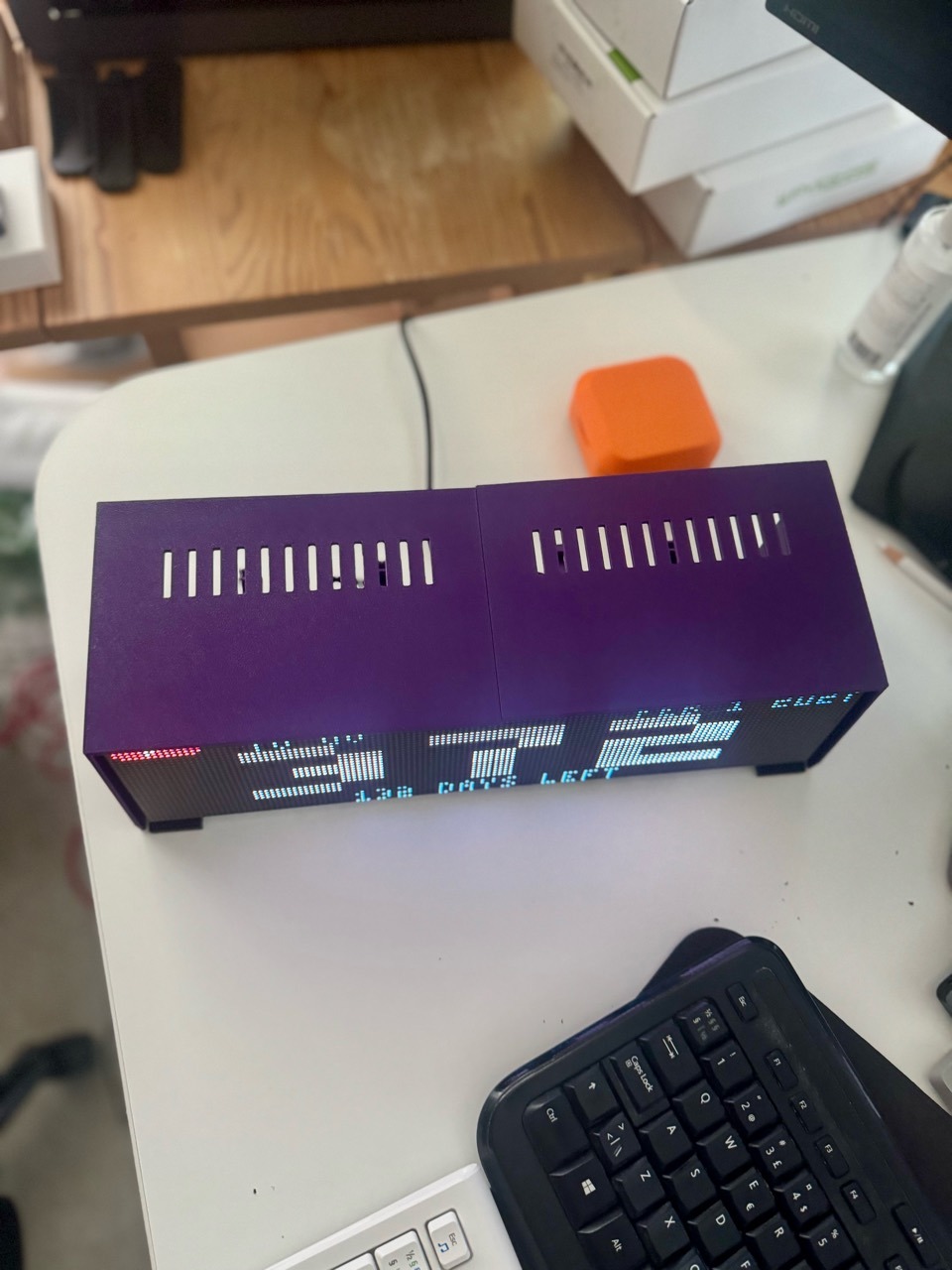
Two panels, a purple printed shell and a build that keeps evolving.
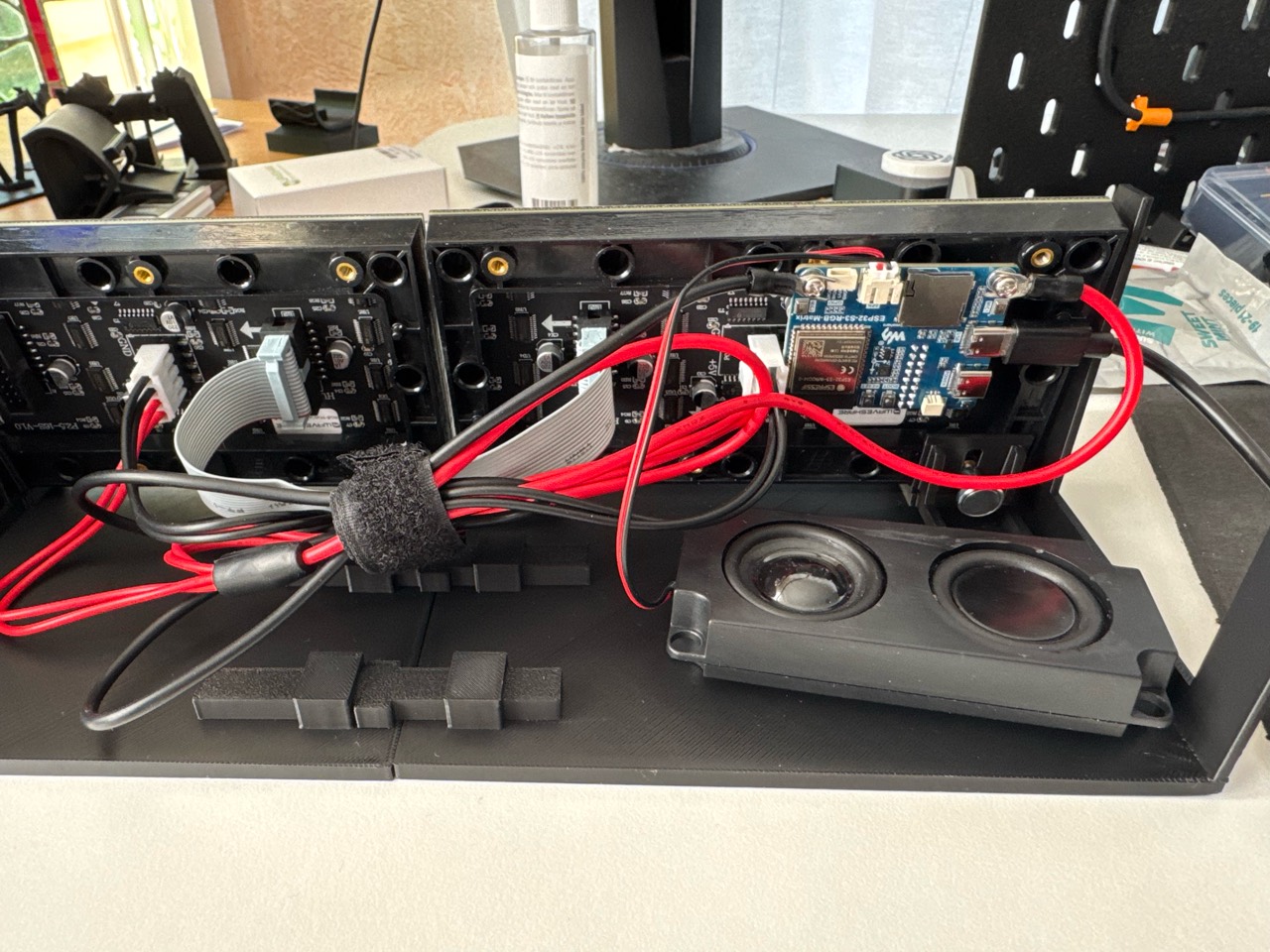
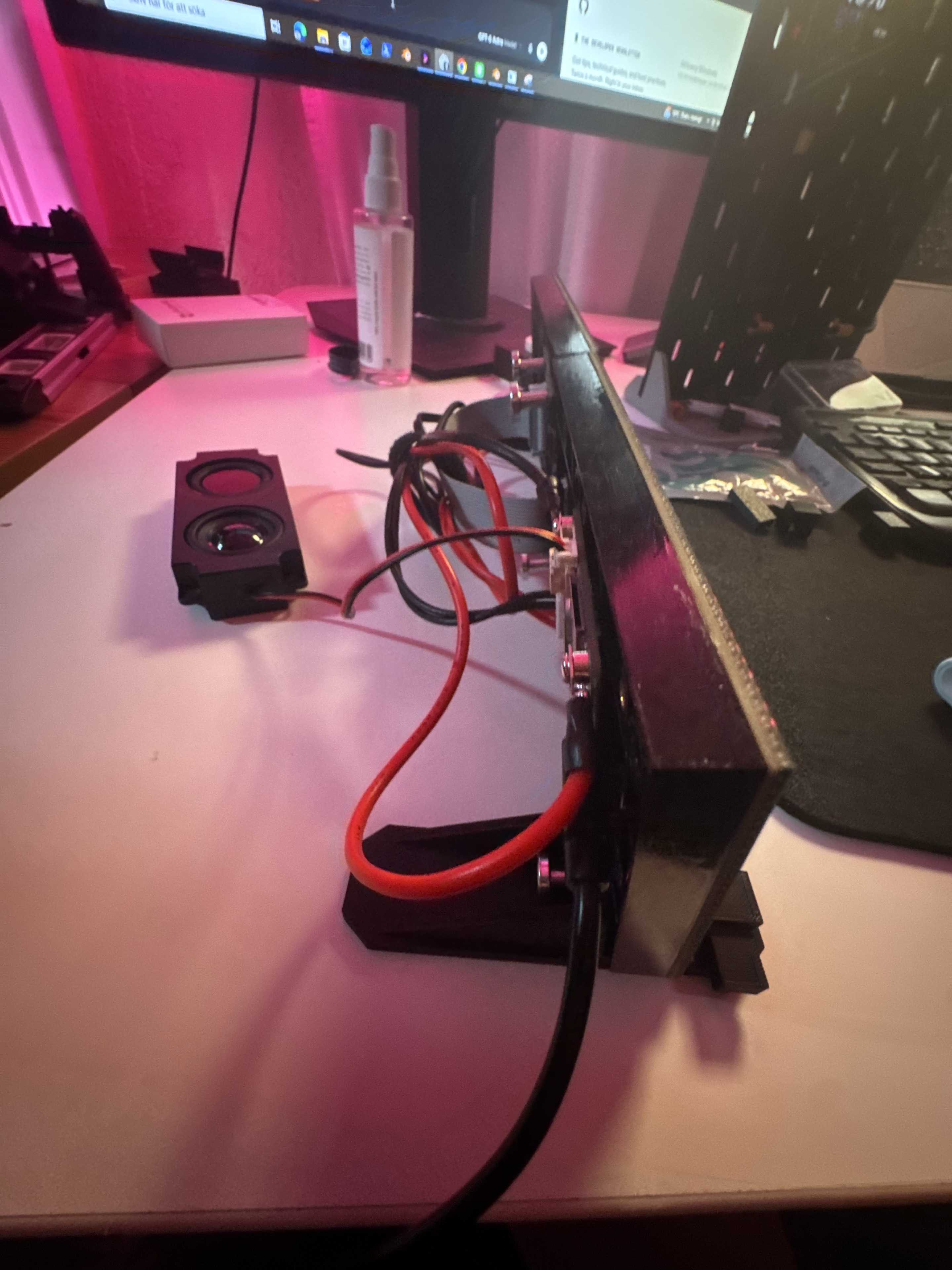
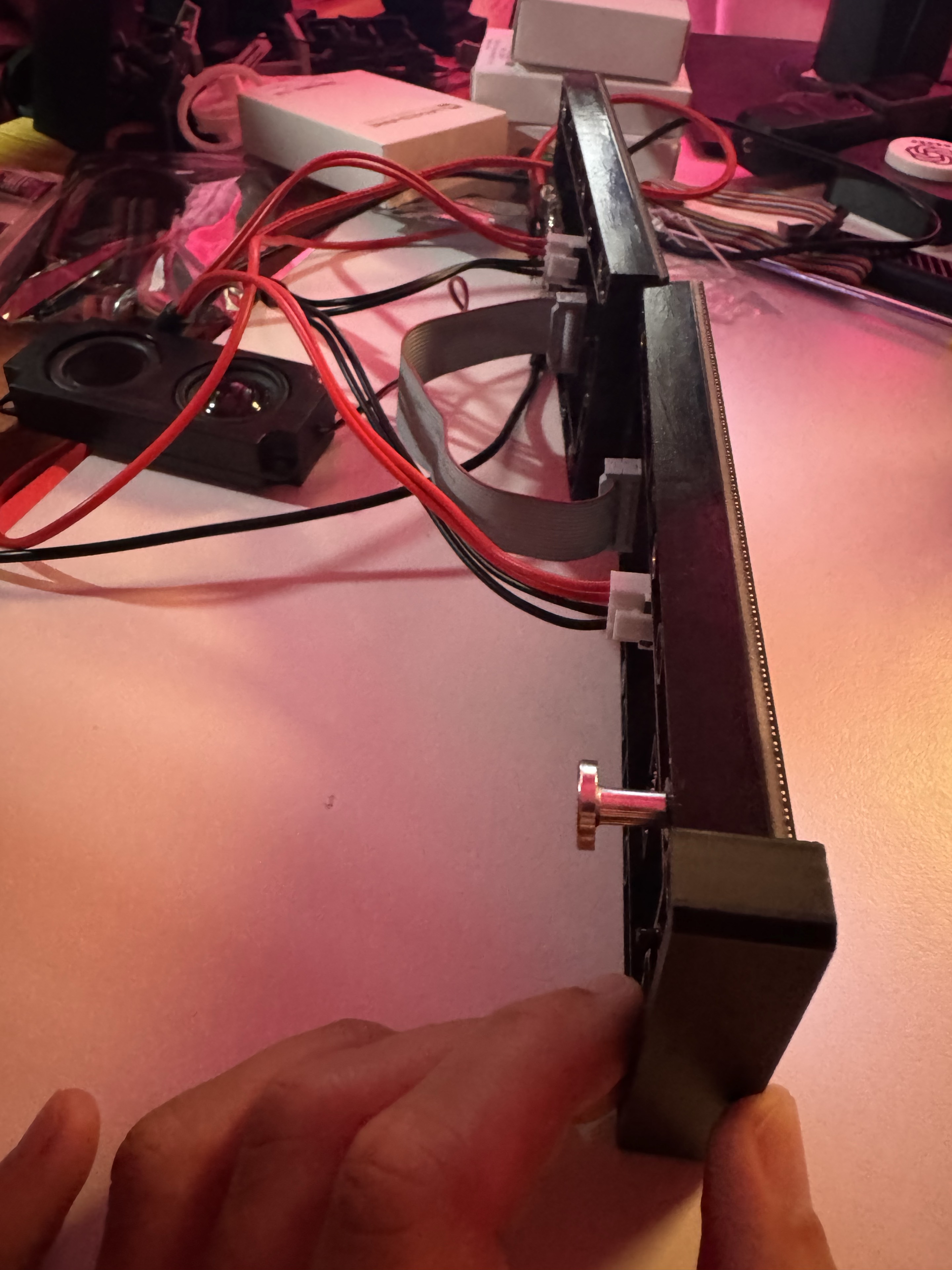
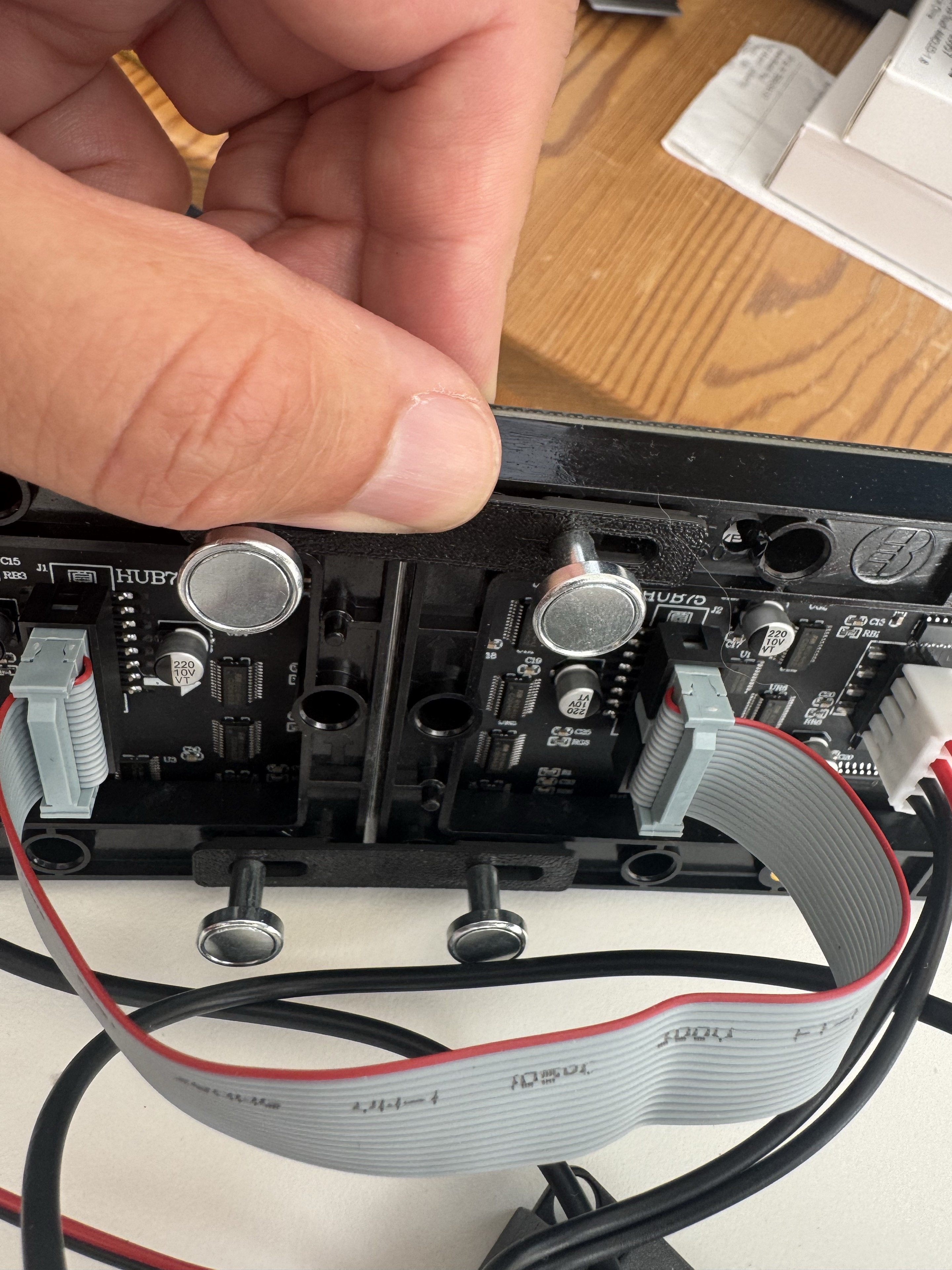
Explore the pieces behind the prototype.
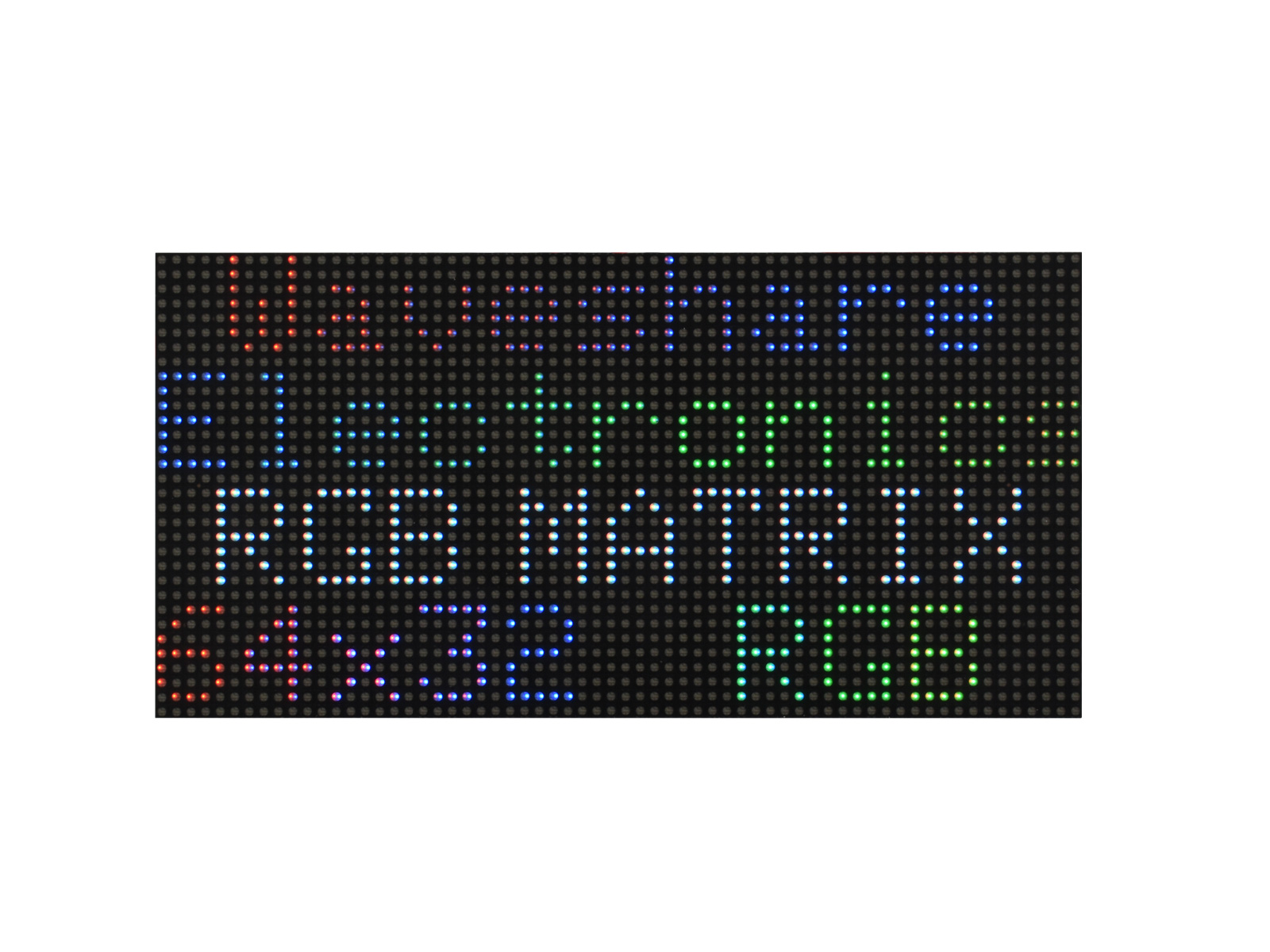
Two Waveshare panels · 128 × 32 combined
RGB-Matrix-P2.5-64x32-B panels, each with 64 × 32 pixels and 2.5 mm pixel spacing. Side by side, they make a 128 × 32 display with a nominal 320 × 80 mm panel area, before the enclosure.
The B variant has a protective GOB (Glue On Board) coating over the LEDs. The panels connect through HUB75.
Panel specifications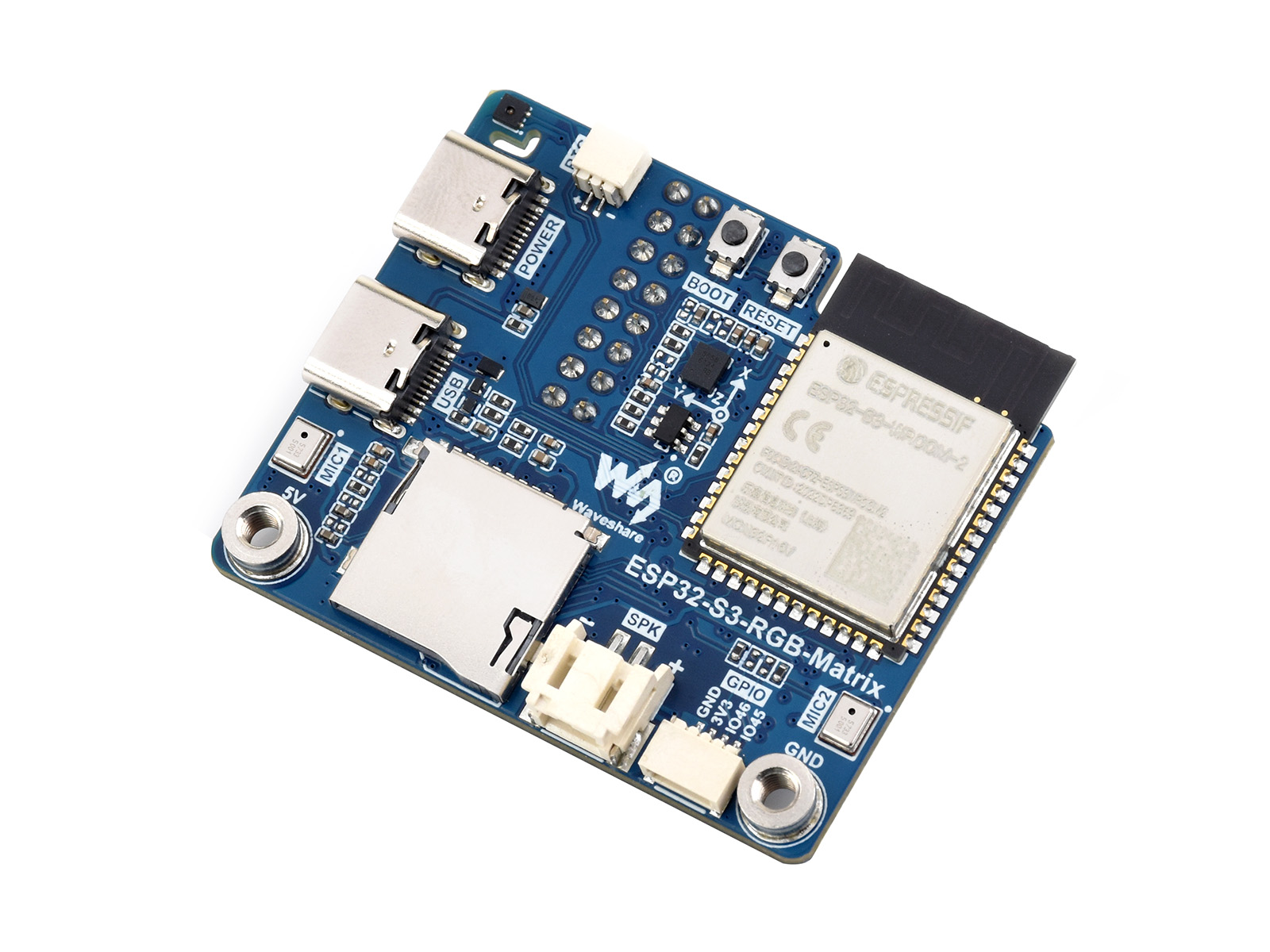
Waveshare ESP32-S3 · USB-connected
The ESP32-S3-N32R16 board drives the panels, with 32 MB flash and 16 MB PSRAM. The board has 2.4 GHz Wi-Fi; the current live display uses USB from the computer.
Buy the controller (affiliate)
Controller specificationsA separate speaker · still being tuned
Waveshare includes an 8 Ω / 5 W speaker with the controller. It connects to the ES8311 audio output for short notification sounds; sound behaviour is still being refined.
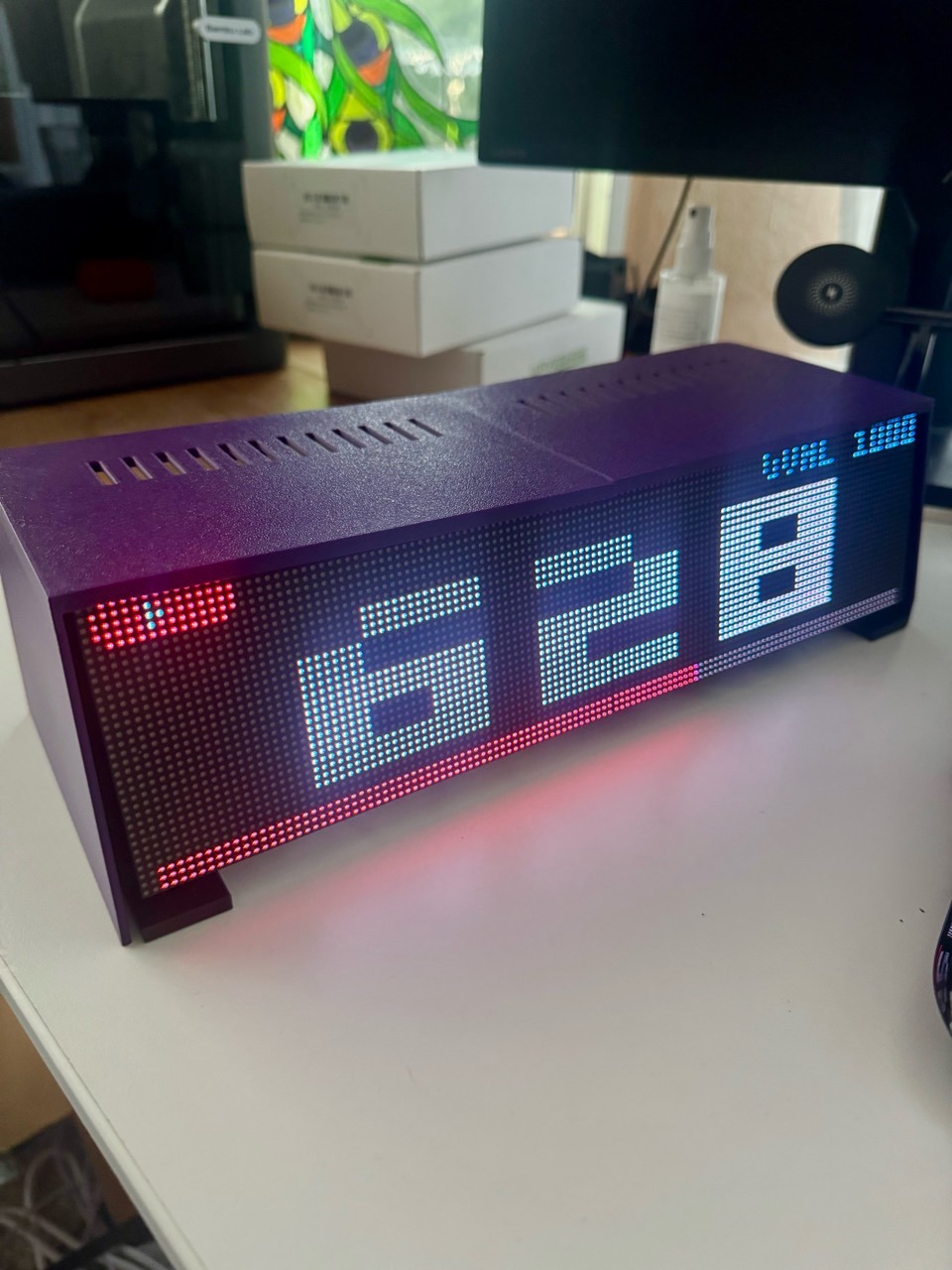
A custom print · still taking shape
The purple printed top and sides are now on the physical display, alongside its desk supports. The latest photos show the current prototype; the complete build is still being finished and tested.
The development kit includes a 5 V / 4 A EU adapter, HUB75 connections and panel power cabling. I received three panels: two for the bar and one for tests or a spare. A USB connection links the controller to the computer. The controller has an RTC backup-battery connector; Waveshare does not list a battery in its package.
The 20 W adapter is part of my development hardware, not a confirmed full-brightness power recommendation for two panels. Their combined specified maximum is 24 W before the controller, so the final power setup is still being validated.
View the EU adapter from the kit (affiliate)Ad / affiliate disclosure: Waveshare provided hardware free of charge for development. Links marked “affiliate” may earn me a commission if you buy through them, at no extra cost to you. Specification links are ordinary documentation links.
Try a scene. Quiet things down. Give the pixels a voice. A local control panel is taking shape alongside the hardware.
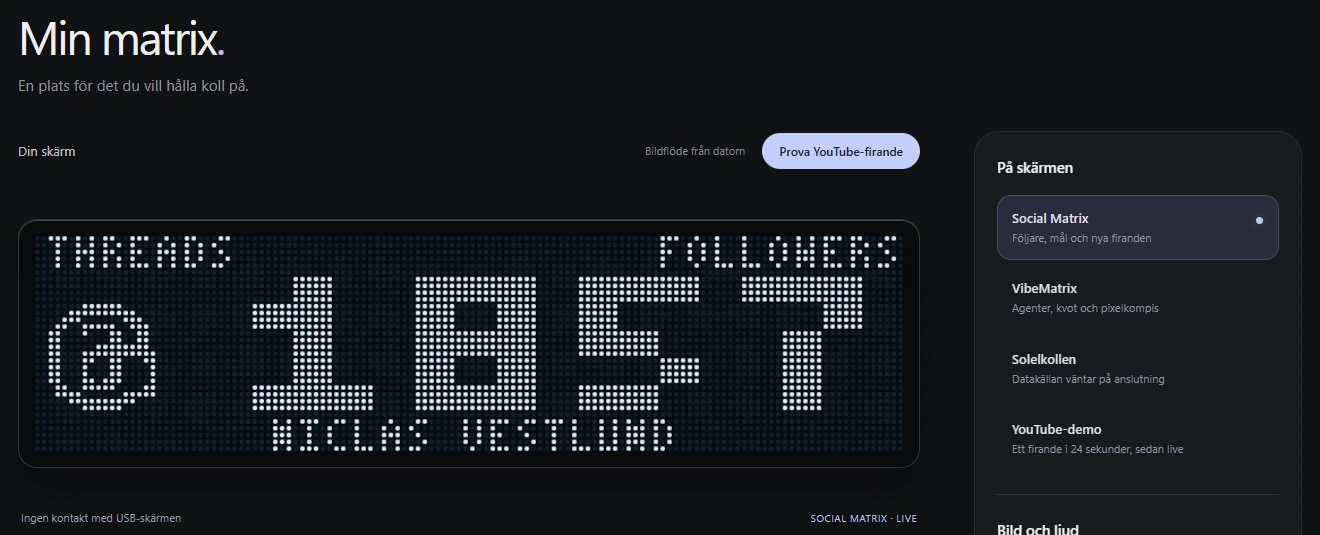
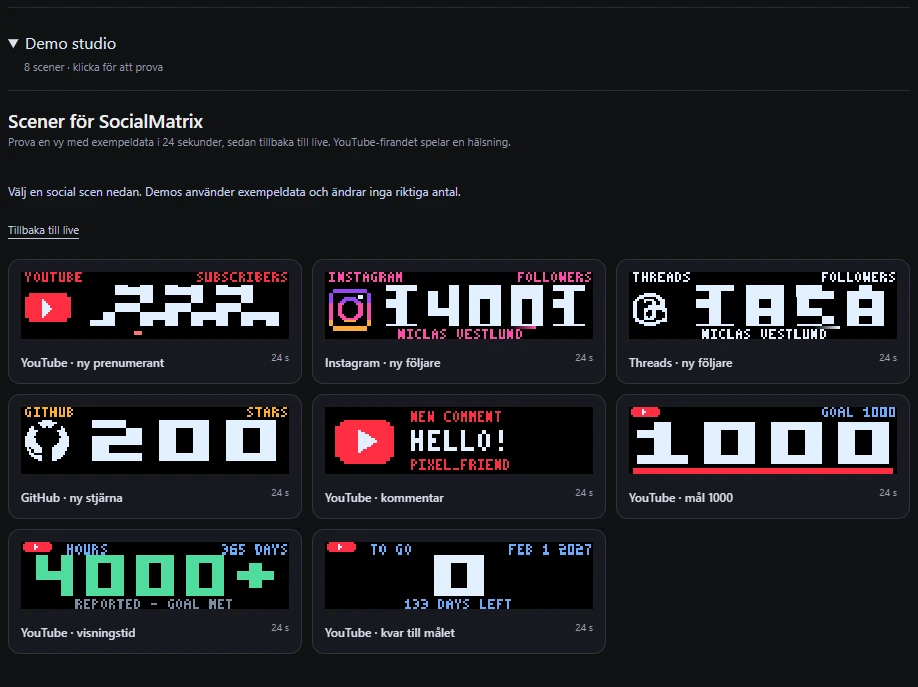
The Demo studio offers eight scenes: subscriber and follower celebrations, GitHub stars, YouTube comments and channel goals. Each preview uses example data for 24 seconds, then returns to live. Trying a demo does not change the real account totals.
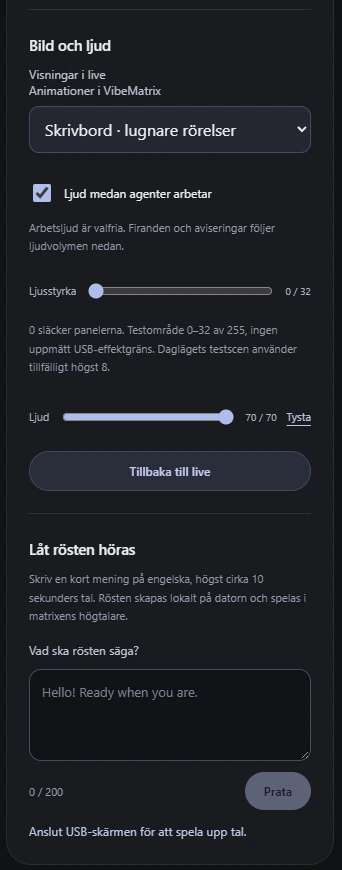
Choose quieter desk animations or a more animated showcase, adjust brightness and volume, mute sound or enable optional working sounds. A short English message can be turned into speech locally on the computer and played through the matrix speaker when the USB display is connected.
The panel includes Social Matrix for social counts and celebrations, and VibeMatrix for agents, quota and pixel characters. Solelkollen is also shown as a planned view, with its data source still waiting to be connected.
A pairing flow is being built for control from a phone or another computer on the local network. This is part of my private prototype, with no public control-panel download yet.
Want something you can build today? Explore VibePulse.

