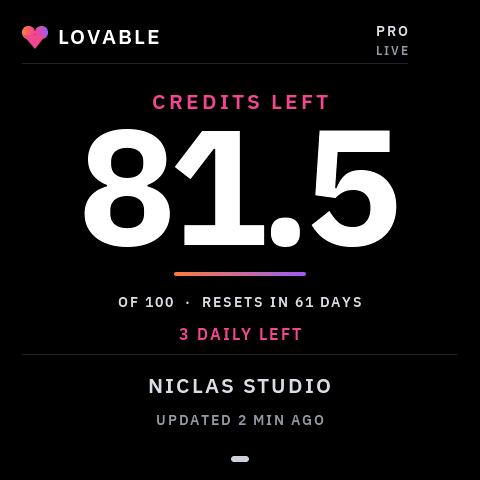
VibePulse now has an optional Lovable page: credits left, plan and how fresh the reading is. Labs also lets you hide Claude Code or Codex quota pages and apply saved changes with Restart Now.
We expected credits from Lovable’s documented MCP tool, but the response we checked did not include them. The experimental alternative reads explicitly labelled values from the billing page through a local Chrome extension. Login credentials stay in the browser; it does not read your projects or chats. The setup guide explains how to add it and switch sources later.
A real one-time browser reading reached the round display. Automatic extension refresh and Windows browser operation still need confirmation. Missing data stays missing, and old readings become CACHED.
Simulator example, not a live account reading. The browser source does not provide the reset countdown shown here.
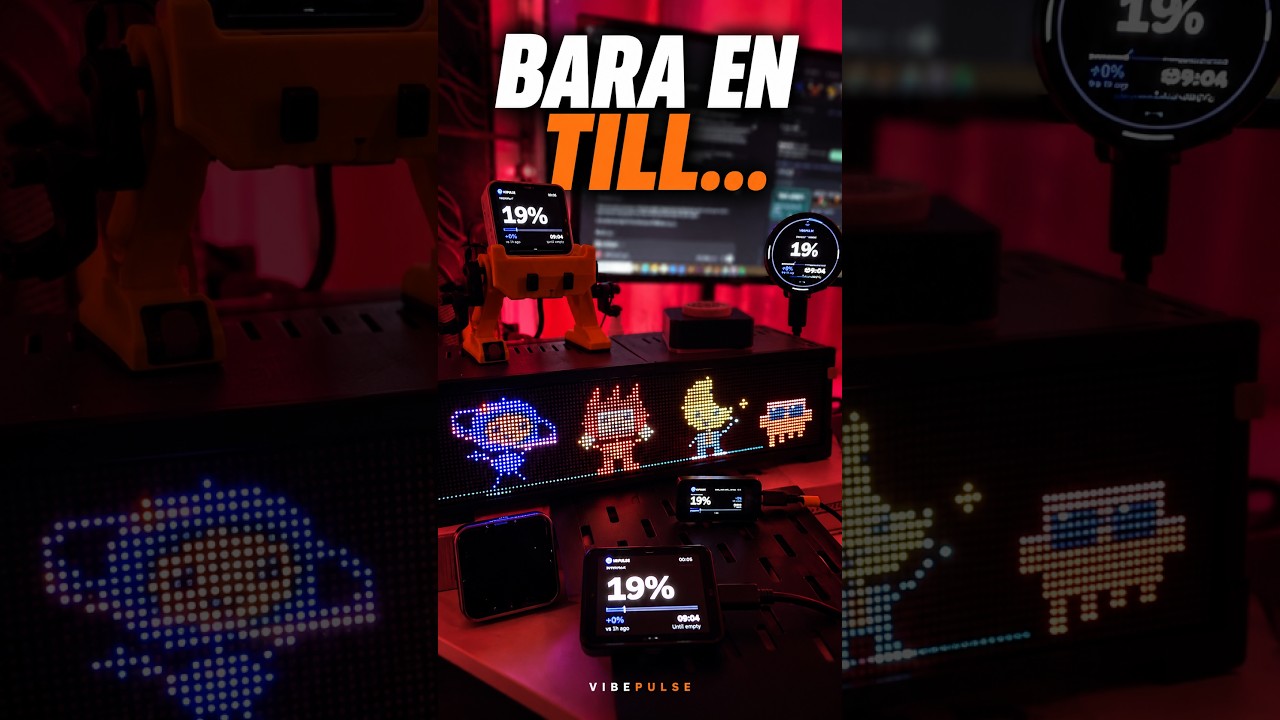
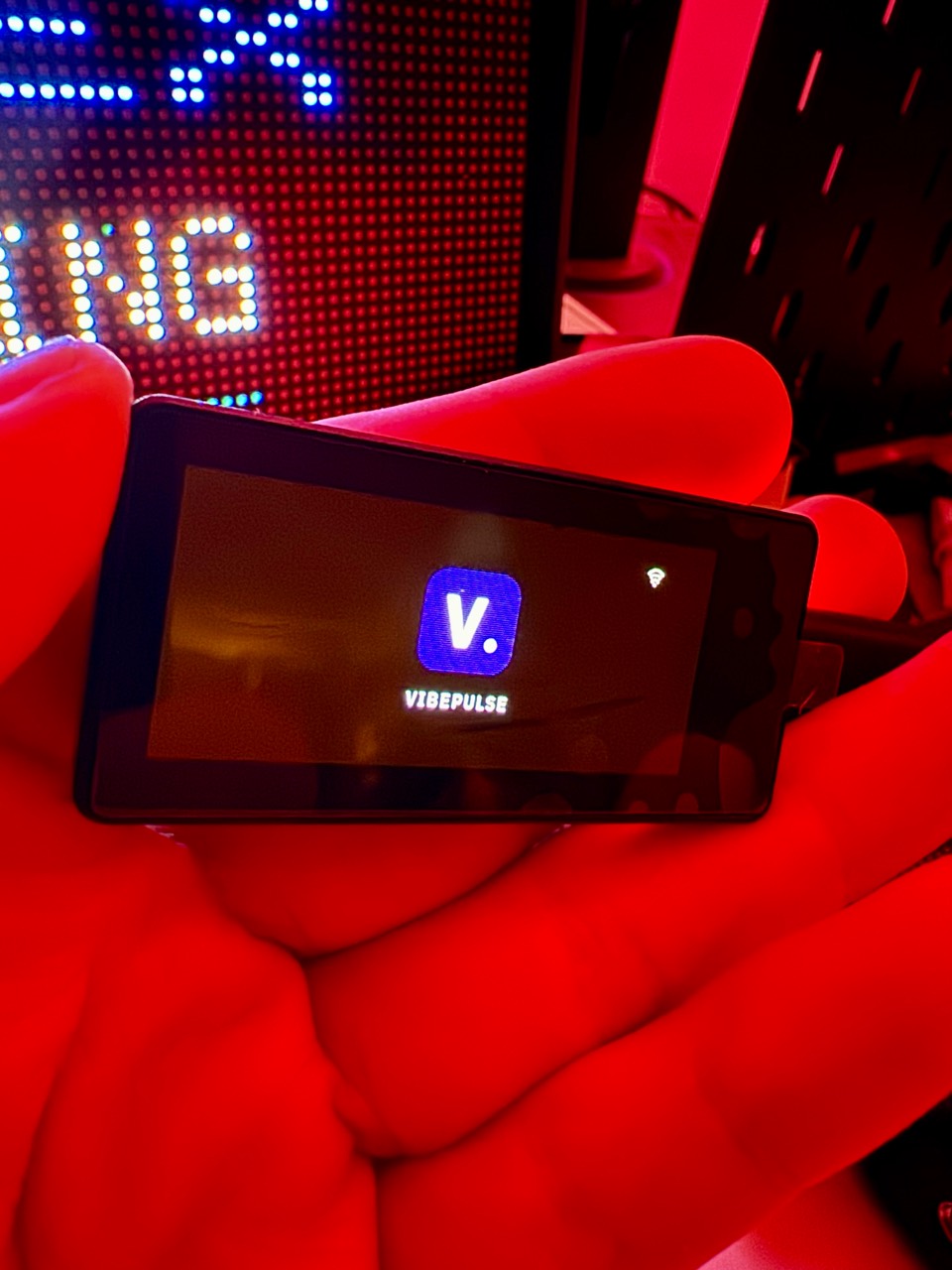
The original square 2.16 is joined by the 2.41 V2 landscape, the 1.91 Touch development port and the round 1.75 quota face. This source release includes board-specific builds, USB guides and real-panel photos for all three new models. Each guide says what has been checked on glass and what still needs testing.
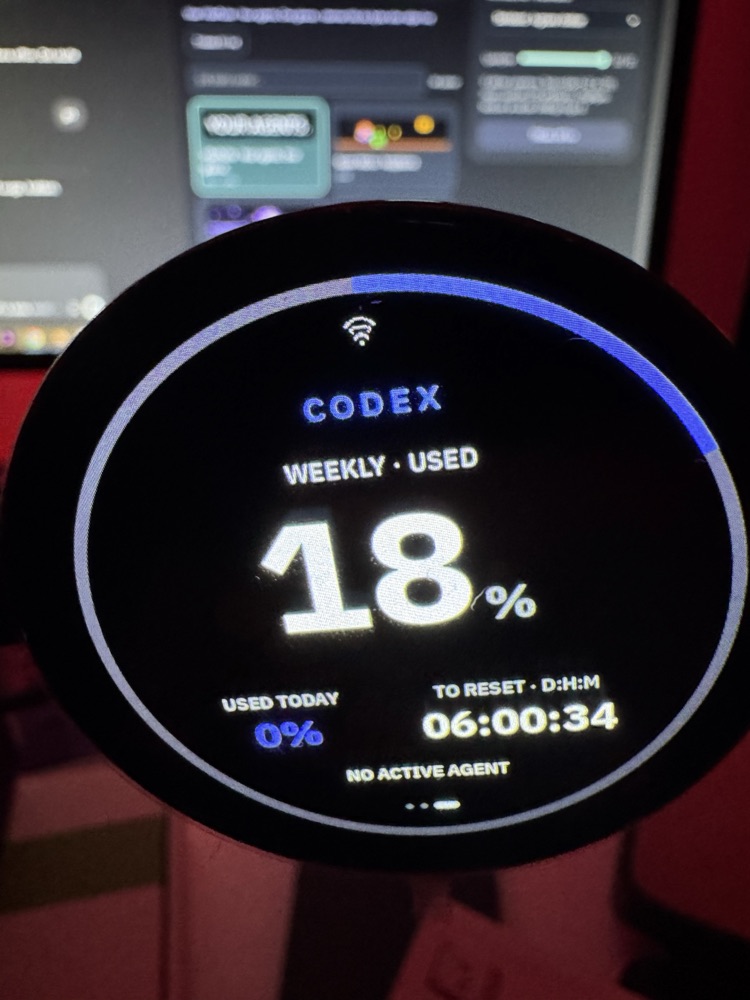
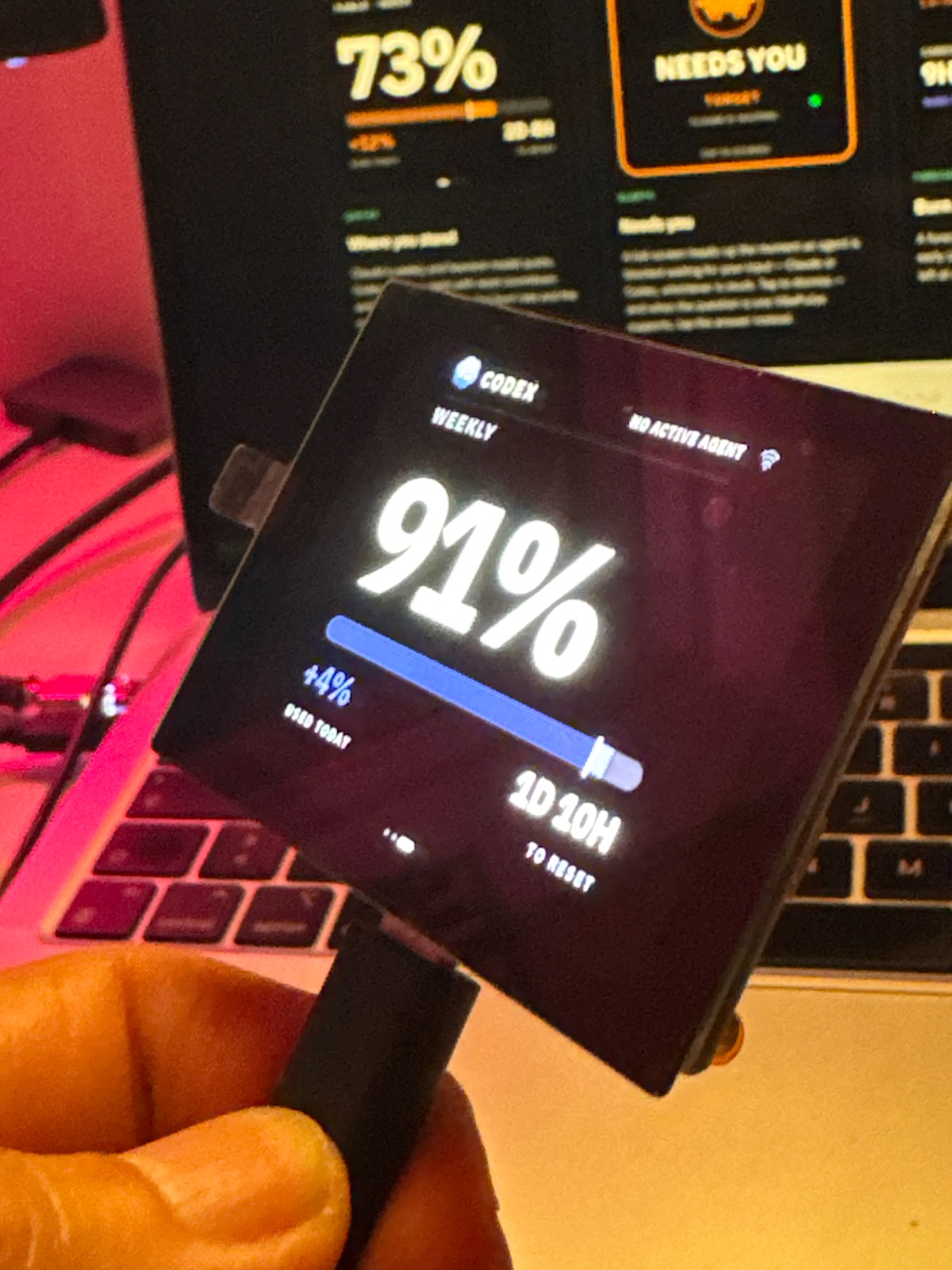
The round screen puts weekly usage, USED TODAY and a reset countdown inside one ring. Its quota page has been photographed with live Codex data; touch, USB-down mounting and the latest Wi-Fi scan still need final on-unit checks. New-board OTA is unverified, so installations use USB.
Three owner photographs show the physical 466 × 466 panel with a readable Codex quota, USED TODAY and reset countdown. The unit booted its own firmware, rejoined 2.4 GHz Wi-Fi and fetched token data. The photographed 18% is a momentary reading.
This is USB-installed quota support in v1.2.0. The USB-down angle, touch alignment and the latest Wi-Fi scan change still need on-unit confirmation. This profile disables OTA and hands prompt decisions to the computer; automatic rotation remains unverified.
23 Sep 2026 bench bring-upThe round face has its own VibePulse build.
The 1.75 layout began as a native LVGL preview: a single quota ring,
today's contribution and a clearly labelled D:H:M countdown.
Missing data stays a dash, and stale values keep their status.
A black screen after swapping displays turned out to be firmware
for the 1.91 panel on this unit. Its own diagnostic and normal
VibePulse build now boot. The owner photographed the quota page;
the unit has joined Wi-Fi and fetched values. A fixed USB-down
orientation is installed while its angle and touch are checked.
See the photographed physical panel. Its
USB-installed quota profile is now in v1.2.0;
touch and setup checks remain open.
23 Sep 2026 new screenVibePulse fits the 1.91 Touch.
The smallest AMOLED port so far is running on a real 536 × 240 panel. We fixed the compact layout, the phone WiFi handoff and a touch startup fault during installation. It saved the network, rejoined after a reset and showed a real Codex quota.
Use the touch variant and its USB install guide. This is a v1.2.0 development port. Alerts appear on the glass; decisions stay on the computer until a safe compact touch layout is tested.
18 Sep 2026 hardware supportThe 2.41 V2 is running VibePulse.
A second shape for the desk: 600 × 450 in fixed landscape, with
touch and BOOT opening settings. The display and diagnostic touch
corners passed on the real unit, then WiFi and visible Codex/Claude
usage worked after installation. These are photos of that panel.
The port is included in v1.2.0. V1 is not supported;
updates use USB, and physical answer replies, automatic rotation
and OTA are not yet verified on V2. The guide records the backup,
revision checks, setup and troubleshooting that got it running.
At the time, the 1.75 and 1.91 were still on the workbench. They
later reached physical VibePulse checkpoints; the 1.8 remains a
planned port and RGB matrix work is a separate experiment.
10 Sep 2026 v1.1.0Settings on the panel, clearer startup on the computer.
Version 1.1.0 adds on-screen settings, preserves live quotas while
usage history loads, and improves crash and restart diagnostics.
Its release notes distinguish built firmware from physically tested
firmware. This older tag predates the newer board profiles; use
v1.2.0 for them.
28 Aug 2026 v1.0.0Version 1.0 — and Windows is a real host now
The panel was never the Mac-only part. The little service that reads
your agent logs was. Since today it runs on a Windows PC too, and
runs here means it was run: the whole test suite on a clean
checkout on a physical machine, autostart through Task Scheduler,
the watchdog putting the exact same build back after a kill, a
firewall rule that opens on private networks only — then sign-out,
sleep and a full reboot, with the panel still being polled after
each one.
It ends where it should: a question on the glass, APPROVE
readable across the room, a finger on the answer, and the answer
landing back in Codex on the PC. Silence and a fallback to the
computer were failures, not passes — which is why this took a
fortnight and not an afternoon.
Second thing in the same release: the panel can find its own host.
A Mac and a PC can both offer to feed it; it stays pinned to a
healthy one and moves if that one goes quiet. The advertisement on
the network carries a port and a protocol version and nothing else —
no numbers, no prompts, no account. Linux is still the missing one.
25 Aug 2026 milestoneWaveshare is backing the next hardware wave
Waveshare has offered full support for the open-source VibePulse
project, including development and verification units across several
hardware batches. The first compatibility wave targets the 1.75,
1.8 V2, 1.91 touch and 2.41 V2 AMOLED models; the 2.16 stays the
reference build.
These are not four unchecked compile targets. Each port gets a UI
adapted to its shape, a real-hardware test and setup notes before it
earns the word supported. After that, VibePulse Labs can start
experimenting with a 4.3C command centre, an RGB Matrix status board
and a DualEye desk character — prototypes, not release promises.
23 Aug 2026 v0.7.0The panel learned to answer back
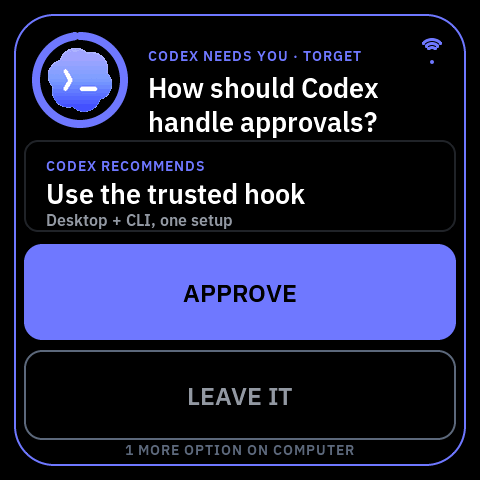
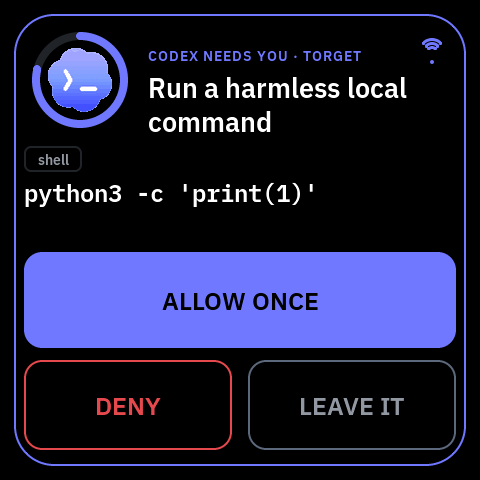
Up to here the glass could only shout that an agent was stuck. Now,
when the question is one it can put honestly on 480 × 480, it shows
the question, the option the agent recommends and the buttons — and
your tap is the answer. Unknown, ambiguous, oversized,
secret-bearing or mutating work never leaves the computer, and a
question that times out comes back as a failure rather than a yes
nobody said.
Same release: a phone can teach the panel a new WiFi network from a
QR code on the glass, and it remembers six places — so the thing can
travel without a rebuild. The networks compiled into
secrets.h stay as the floor it can always
fall back to.
A new short, and it is the whole idea in a few seconds: an agent
stops and waits, and the room finds out instead of you finding out
twenty minutes later. It is at the top of this page with the other
two clips.
Watch on YouTube
15 Aug 2026 new screenYour stars, on the shelf — and a name when one lands
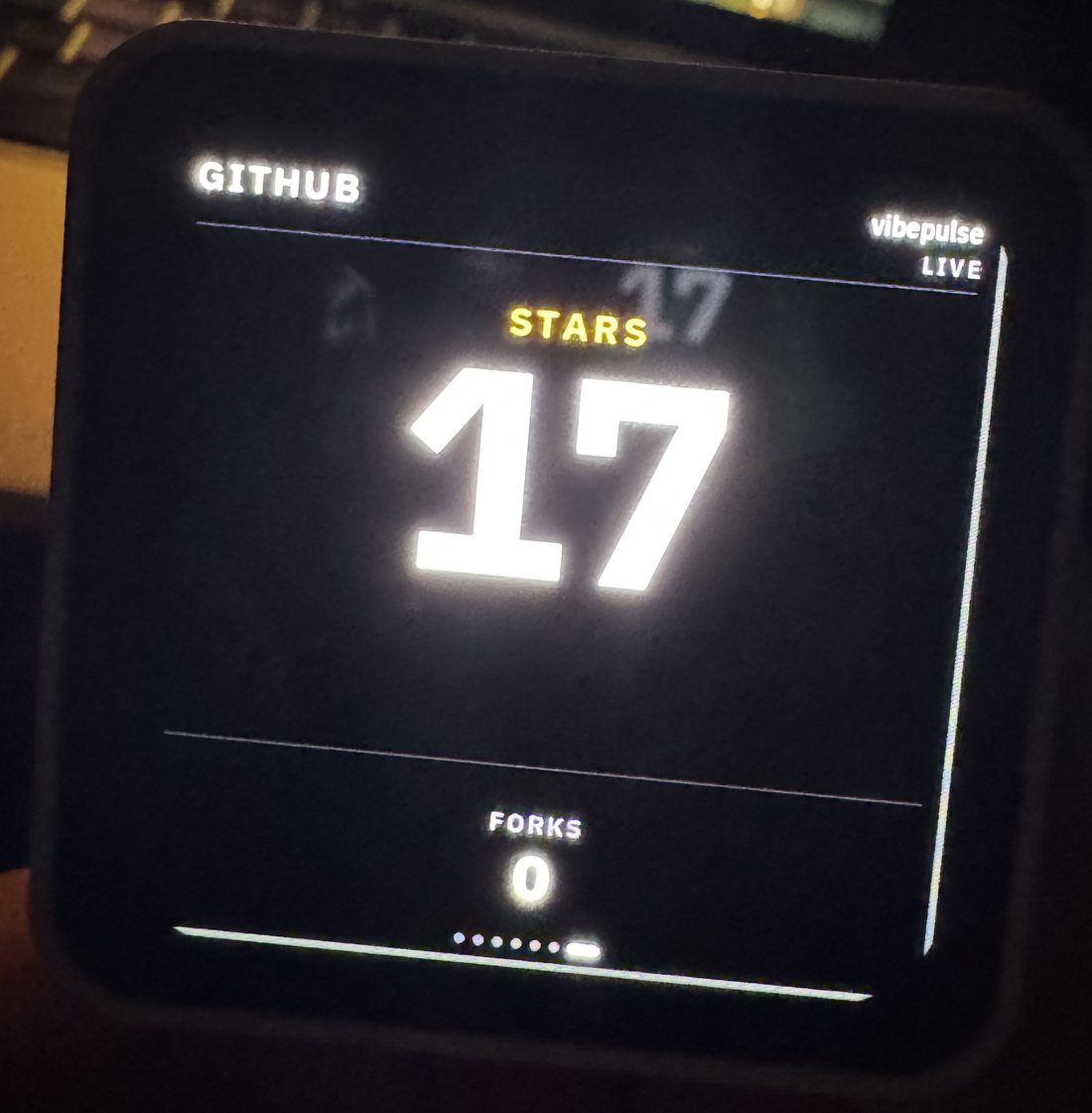
The panel can now carry one public repo: stars big, forks quiet
underneath, and a full-screen celebration the moment someone stars
you. Getting it onto the glass took four separate fixes — the Mac
service was running old code, the firmware had the whole screen
compiled out, and the URL was missing from the config. It went live at
17 stars, and a real star took it to 18 while I watched.
Naming the stargazer was the fiddly part. GitHub's obvious endpoint
wants a write permission just to read who starred you, which is
absurd for a shelf ornament — so it reads the public events feed
instead, and a read-only token resolves the name. No token still works;
you just get "someone".
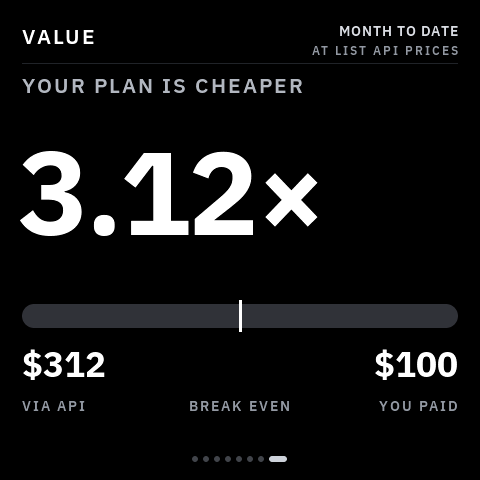
15 Aug 2026 v0.5.0The glass will now tell you if your subscription is paying off
New screen: it prices the tokens your agents already burned this month
at the providers' list API rates and divides by what you pay.
$312 of usage on a $100 plan — 3.12×. Same data as the quota
screens, aimed at a completely different question.
It read $8,296 the first time, for a month that was about a
tenth of a weekly quota. The rate was right; the token count was
sixteen times too big. Every codex resume
replays the whole conversation's history into a new file, so one
conversation spread across 113 files was counted 113 times. Counted
once, that $8,296 became $516 — which is the number that
matters, so it was worth a day.
14 Aug 2026 milestoneIt updates itself now — but only if you say yes
One day that started with a frozen panel and ended with firmware that
arrives over WiFi. Hold the side button three seconds, or tap
UPDATE when the screen offers it, and a ten-minute window opens;
the new build lands in a spare slot, gets checked, and has fifteen
seconds to prove it boots before the board rolls itself back. Ten live
deliveries before I'd call it done, and the USB port is still the
rescue hatch.
The delivery tool also refuses to send anything CI hasn't proven green,
and refuses half-finished builds outright — that rule exists because a
ghost build from the wrong folder once froze the glass.
Another sixty seconds of the panel doing its job, filmed on the
actual unit. It's at the top of this page, next to the first one.
Watch on YouTube
14 Aug 2026 shippingThe alert learned to breathe
NEEDS YOU used to just sit there. Now the outline and the icon ring
pulse four times when it appears, then rest — the text stays solid so
it's still readable from across the room. Checked pixel by pixel in
the simulator, then on the actual panel, because motion is the one
thing a simulator can lie about.
13 Aug 2026 v0.2.1The Mac service stopped hammering the API
A dead token made the service retry every two minutes for hours,
which earned a rate-limit penalty. It now slows down after each
failure — two minutes, four, eight — and rests for ten when the API
says to. Second fix: your weekly numbers used to vanish between
five-hour windows. They stay put now, and only the field that really
has no data shows a dash.
The repo went public. Clone it, flash it, change it, sell it — MIT
asks nothing back. This site went up the same day.
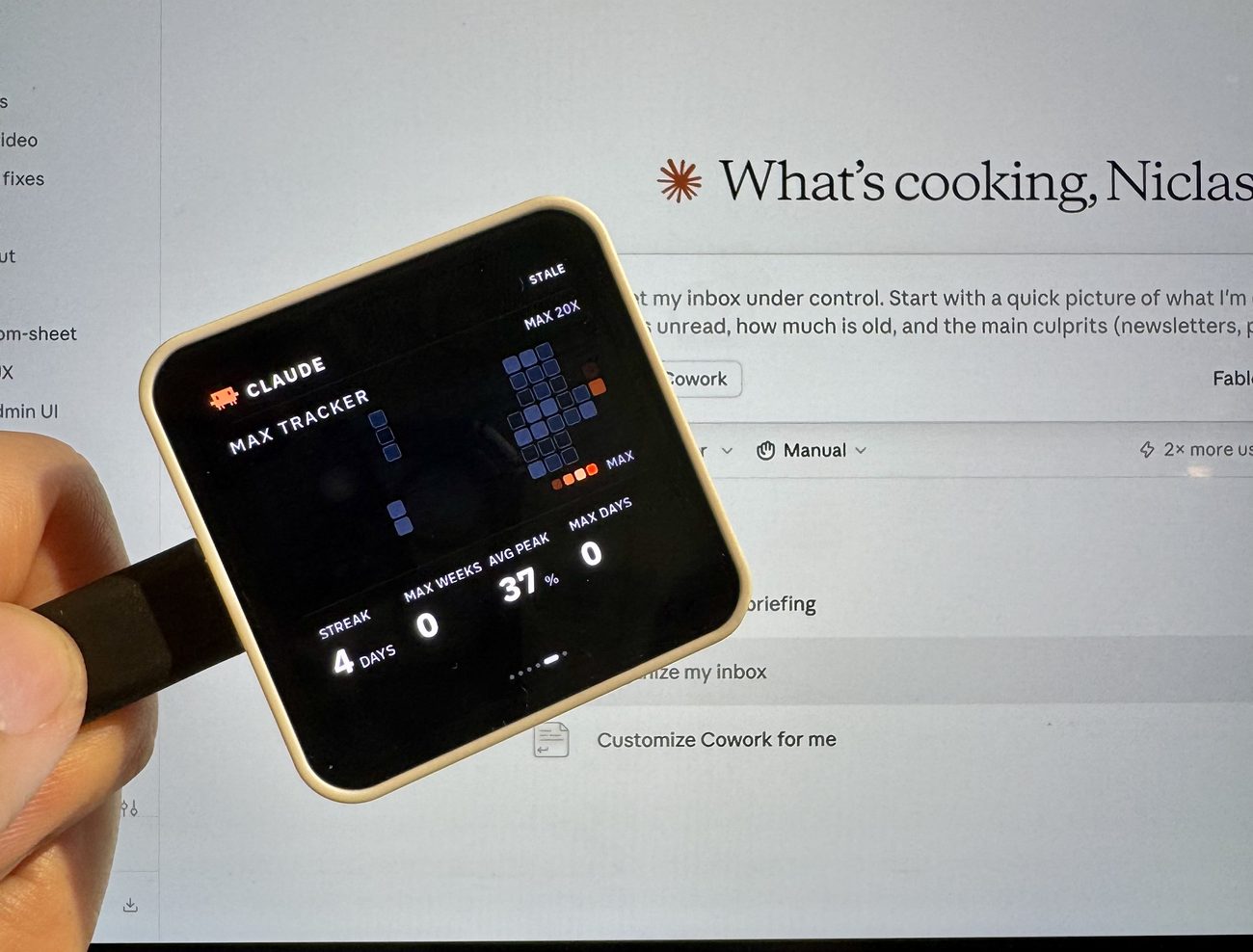
12 Aug 2026 new screenMax Tracker: how hard you ran your plan
A day-by-day heatmap per provider. Each square is that day's peak
against your own plan, and only a true 100% turns red. Underneath:
your streak, the weeks you maxed out, and your average peak. The
old token-volume screen was cut in the same change — it carried no
story.